
How to See a Twitch Sub Count, Yours and Other Channels
Your own Twitch sub count is in the Creator Dashboard under Analytics → Earnings, in the panel "How many subscribers do I have today?", which shows the exact number at this moment. Other channels' subscriber counts are not public on Twitch. Sub counters and leaderboards on third-party sites…

Your own Twitch sub count is in the Creator Dashboard under Analytics → Earnings, in the panel "How many subscribers do I have today?", which shows the exact number at this moment. Other channels' subscriber counts are not public on Twitch. Sub counters and leaderboards on third-party sites estimate them, unless the streamer shows the number on stream.
Followers are public on every Twitch channel; subscribers are not. That difference explains most of the confusion around sub counts. Below: where streamers see their real number, what the number includes, how public sub count leaderboards get their data and how to read them.
Followers vs subscribers on Twitch
| Followers | Subscribers | |
|---|---|---|
| Cost to the viewer | Free | Paid monthly (Tier 1, 2 or 3) or with Prime |
| Shown publicly on the channel | Yes | No |
| Who sees the exact number | Everyone | The streamer and channel editors with access to analytics |
| What it gives the streamer | Notifications to viewers when the stream starts | Revenue share and Sub Points |
Because subscribers pay, Twitch treats the count as business data. A streamer can choose to share it, for example with an on-screen widget, but Twitch itself does not print it on the channel page.
How to see your own Twitch subscriber count
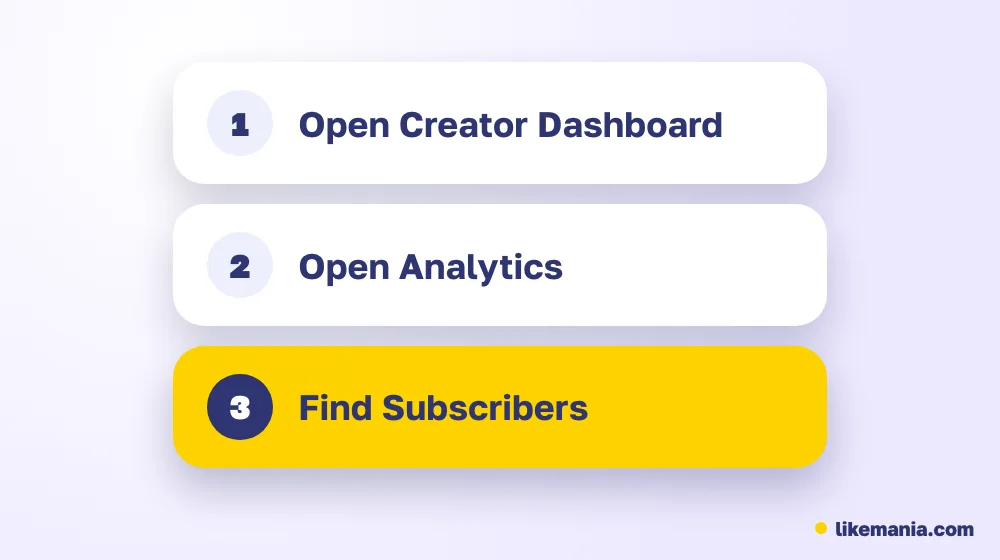
- Open the Creator Dashboard.
- Go to Analytics → Earnings.
- Find the panel "How many subscribers do I have today?" It is a static report of the exact number of subscribers you have at that moment.
- Click View details to see the breakdown by country.
The same Earnings section has a panel showing where your subscriptions come from. It appears only when you have enough subscribers from at least two countries. Your Sub Points, which decide how many emote slots you get, are shown in channel analytics as well.
Followers are in a different place: Community → Followers List in the Creator Dashboard.
What the number includes
Your sub count counts every active subscription to your channel today:
- paid subscriptions at any of the three tiers;
- Prime subscriptions linked through Amazon;
- gifted subscriptions that are still active.
Gift subs make the number jump during events and fall a month later when gifts expire without renewal. That is normal and is why streamers watch the trend over several months rather than one day.
Can you see another channel's Twitch sub count?
Not from Twitch. The channel page shows followers, current viewers and badges in chat, but no subscriber total. There are three ways people still get a number:
- The streamer shows it. Many put a live Twitch sub count widget on screen during subathons or goals. That is the most reliable public figure because it comes from their own account.
- Sub goals. Streamers can set a goal bar on stream; the progress shows how many subs they have toward it.
- Third-party estimates. Sites that publish a twitch sub count leaderboard estimate subscribers from public signals, such as sub announcements in chat and badges. Treat those numbers as approximations, especially for channels that turn off sub notifications.
Sub count vs Sub Points
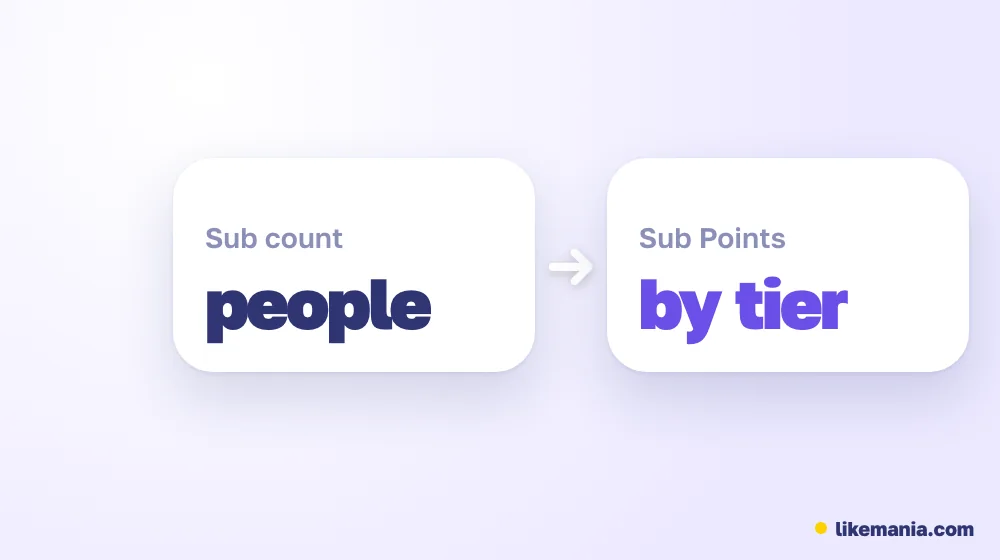
Streamers often mix up two numbers. The sub count is how many people subscribe. Sub Points weight those subscriptions by tier: a Tier 2 or Tier 3 sub counts for more points than a Tier 1 sub. Twitch uses Sub Points, not the plain count, to decide how many emote slots a channel unlocks, so a channel with fewer but higher-tier subscribers can unlock more emotes than its count suggests.
How to read a Twitch sub count leaderboard
Leaderboards are useful for trends: which streamers grow during an event, when subathons start, who leads in a language. They are weak for exact comparisons:
- a channel with notifications off looks smaller than it is;
- gifted subs inflate the count for a month;
- channels counted in different time windows are not comparable.
If you need a precise figure for a sponsorship or a collaboration, ask the streamer for a screenshot of their Earnings panel. Agencies usually request that before quoting rates.
Tips if you want more subscribers
- Give subs something visible: emotes, badges, a subscriber-only chat mode for some segments.
- Set a clear sub goal for something viewers want to see, such as a special stream.
- Thank every sub on stream: recognition is a big part of why people subscribe.
- Stream on a schedule so regulars know when to come back.
How this works at Likemania
Likemania does not sell Twitch subscriptions; paid subs come from real viewers using their own money. Our catalog has Twitch followers, clip views and live stream viewers for one hour, which help a new channel look active while you build a community. Orders need only the channel or clip link, never a password, and the price shows before you pay. See the full list on the services page. We have been running since 2012.
FAQ
Is the Twitch sub count public?
No. Twitch shows followers publicly, but subscriber counts only to the streamer and people with access to the channel's analytics.
Where do I see my exact sub count?
Creator Dashboard → Analytics → Earnings → "How many subscribers do I have today?"
Are sub counter sites accurate?
They are estimates. They miss subs that are not announced in chat and count gifts that may not renew.
Do gifted subs count?
Yes, while they are active. They drop off when the gift period ends unless the viewer renews.
Conclusion
To see your own Twitch sub count, open Analytics → Earnings in the Creator Dashboard. For other channels, there is no official number: use what the streamer shows on stream and treat leaderboard figures as estimates. For decisions that involve money, ask for the streamer's own analytics.