
Checking a TikTok Follower Count in Real Time
The most reliable way to see a TikTok follower count is the profile page itself; for your own account, the Analytics section of Creator Tools adds growth over time. "Live" counters on outside sites read the same public figure, refresh in short intervals and are approximations. Large counts are…
The most reliable way to see a TikTok follower count is the profile page itself; for your own account, the Analytics section of Creator Tools adds growth over time. "Live" counters on outside sites read the same public figure, refresh in short intervals and are approximations. Large counts are abbreviated, and numbers can shift when TikTok clears inactive accounts.
Checking a follower count sounds trivial until the number on one site differs from the number on another, or drops overnight. This guide covers where to look for your own and other accounts' counts, how "real time" works in practice, why counts jump, and what to avoid.
Where do you find your own follower count?
There are two places, and they answer different questions.
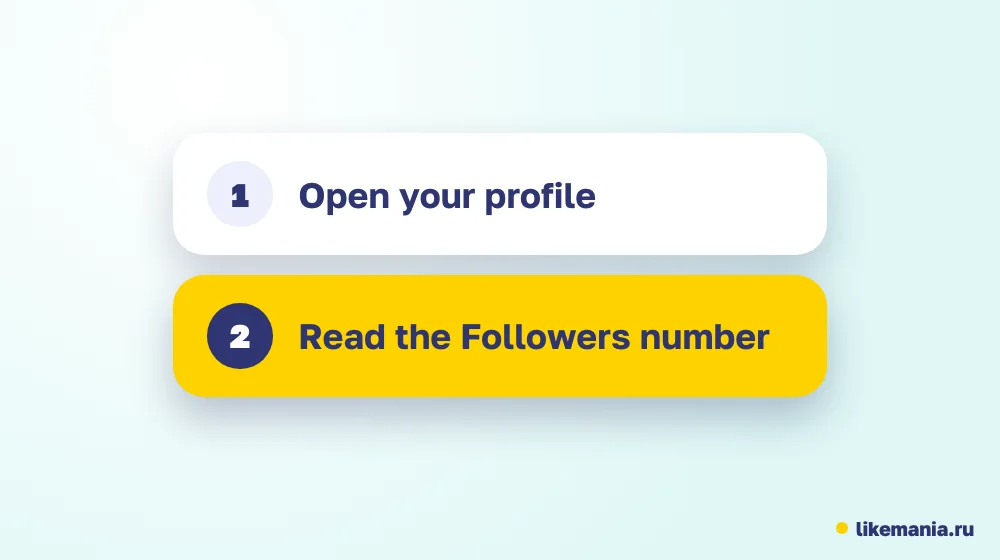
- Your profile. Open the app and go to your profile. The number of followers sits under your name. It is the same figure everyone sees.
- Analytics. From your profile menu, open Creator Tools, then Analytics. The followers section shows total followers, growth over a chosen period and audience details. Menu labels change between versions, so look for the Analytics or Studio entry in your profile menu.
The profile number tells you where you stand. Analytics tells you the direction: how many followers you gained or lost in the last week, where they live and when they are active.
How can you check someone else's follower count?
Open their profile in the app or in a browser. A public account shows its follower count, following count and total likes. A private account still shows its counts, but its videos are hidden until you are approved.
Free lookup sites let you type a username and read the public count without logging in. They get the figure from the same public page, so they add convenience, not extra information. Watch out for any tool that asks for your password or session data: a read-only lookup never needs it.
What is a "live" follower counter?
A live counter is a web page or widget that keeps refreshing a public account's follower number, often every few seconds. It is useful when you stream, run a giveaway or watch a milestone approach. It is not a separate TikTok feature, and it cannot be more exact than the public number it reads.
Two limits matter:
- Refresh rate. TikTok does not update the public number instantly for everyone, so a counter that claims second-by-second precision is optimistic.
- Rounding. On large accounts the app shows abbreviated numbers such as 1.2M. A counter may show more digits only if it reads them from page data, and those digits can lag.
For your own account, a quick pull-to-refresh on your profile often gives a number as fresh as most outside counters.
Why does the follower number jump or drop?
| What you see | Common reasons |
|---|---|
| A sudden rise | A video went to many people; a mention or a collaboration |
| A slow decline | Normal unfollows and inactive accounts leaving |
| A drop overnight | TikTok removing spam, deleted or inactive accounts in a batch |
| Different numbers in two places | Different refresh times or rounding |
Drops after a clean-up are common on any network and do not mean your real viewers left. If a drop is large, check your analytics for the date and for any change you made, such as mass follows or new tools.
How accurate are third-party numbers?
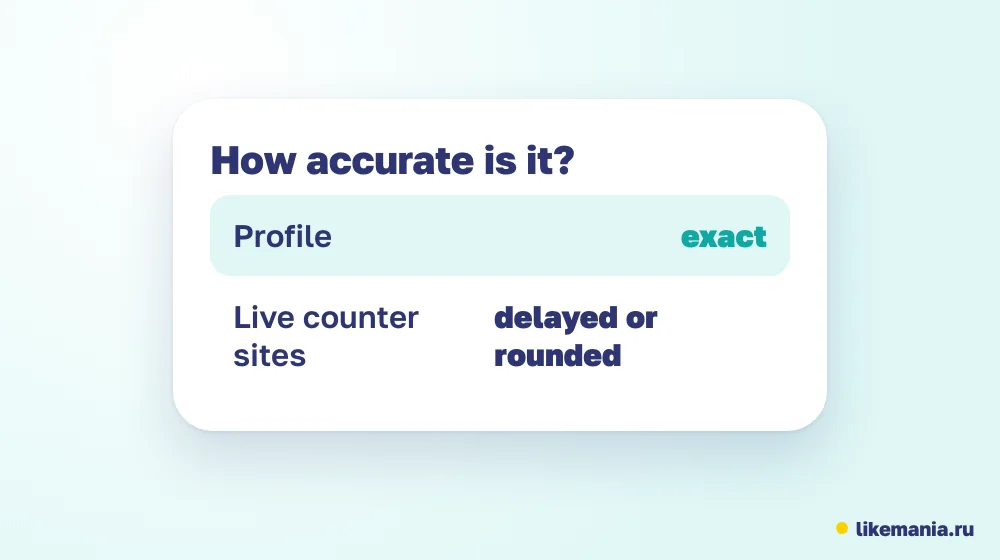
Treat them as estimates. Sites read the public page at intervals, then display it, sometimes with a chart. Their histories depend on when they started tracking, and their calculations of growth are their own. If you need a record, make your own: note your count and the date once a day, or take a weekly screenshot of the Analytics page.
What happens to the count when you post a viral video?
A video that takes off can change your follower count within hours. New viewers watch, check your profile and follow if they like what they see. You may see the number rise in steps, not smoothly, as TikTok updates in batches and as waves of viewers arrive.
If you want to benefit, make sure your profile is ready: a clear bio, a pinned video that shows your best work and a few recent posts in the same theme. Followers gained in a spike behave differently from those who arrive slowly, because they came for one video. The follow-up matters: publish a related video within a day or two to give them a reason to stay.
Can you count followers by country or age?
Only in Analytics, and only for your own account. The followers section breaks down audience by region, gender and age ranges, and shows when followers are most active. For other accounts, outside tools may estimate such splits, but they cannot see the real data.
What should you not do?
- Do not share your TikTok password with any counter, tracker or "growth" tool.
- Do not install apps that ask for permissions they do not need.
- Do not rely on one site's number for decisions. Compare with the profile page.
- Do not read a follower count as influence. Views and engagement tell you more.
Follower count versus reach
On TikTok, videos reach people beyond your followers through the For You feed. A video can get far more views than you have followers, or fewer. Brands and partners therefore look at average views and engagement, not only the follower count. When you check an account for a collaboration, open the last ten videos and compare views with followers.
Our guide on the most followed TikTok accounts shows how counts at the top relate to the number of videos and to the formats those accounts use.
A simple tracking routine
- Pick a time each day, for example before your first post.
- Record the profile count and the date.
- Once a week, open Analytics and note gained and lost followers.
- Add a line about what you posted that week.
- After a month, look for the weeks with the biggest gains and repeat what you did.
This routine turns a number into a feedback loop. Over a quarter it tells you far more than any live counter.
How it works at Likemania
Our catalog has covered social networks since 2012. For TikTok it lists followers in a real tier along with views, likes, shares and auto lines. To order, you paste an open profile address; no login is involved, the calculator quotes the total beforehand, and the refill conditions appear on each service card.
A bigger number on the counter is not engagement, and it does not replace videos people want to watch. To see how our real tier differs, visit the page on real TikTok followers, and for everything else look at the services list.
Checklist: a reliable way to read your numbers
- [ ] Use the profile page as your reference figure.
- [ ] Use Analytics for direction, not the profile alone.
- [ ] Log the count at the same time each day.
- [ ] Compare followers with average views of your last ten videos.
- [ ] Use only read-only lookups, never tools that ask for a login.
- [ ] Do not worry about overnight drops after clean-ups; check Analytics for context.
Following the list for a month gives you a trustworthy baseline. From there, any change in the numbers has a cause you can name, and that is the real value of tracking, far beyond watching a counter tick.
FAQ
Is there a live follower count on TikTok itself?
Your profile and Analytics show the current number, and you can refresh them. "Live" counters on other sites read the same public figure.
Why is my follower count different on another site?
The site may have read the number at a different time or rounded it differently. The profile page is the reference.
Can I see the exact follower count of a big account?
Large counts are abbreviated in the app. Exact digits may appear on some tools, but they can lag.
Why did I lose followers overnight?
TikTok removes spam and inactive accounts in waves, and people unfollow. Check Analytics for the details.
Are follower counters safe?
Read-only lookups are low risk. Never give a password or session data to any of them.
Conclusion
The profile page and Analytics are the dependable places to see a TikTok follower count. Live counters are convenient but approximate, and numbers move for ordinary reasons. Track your own count with a small routine, compare followers with views and keep your login private.
*Prepared with AI assistance and fact-checked by the Likemania editorial team. Last reviewed: 2026-10-15.*