
How to Track X (Twitter) Followers and Unfollowers
X does not notify you when someone unfollows, and it has no built-in unfollower list. To track Twitter followers safely, note your follower count on a schedule, download your data archive from Settings to get the full follower list, and compare two archives in a spreadsheet. Skip tracker apps that…

X does not notify you when someone unfollows, and it has no built-in unfollower list. To track Twitter followers safely, note your follower count on a schedule, download your data archive from Settings to get the full follower list, and compare two archives in a spreadsheet. Skip tracker apps that ask for your password or broad account access.
A twitter follower tracker sounds like a simple tool, but most of what a tracker does you can do yourself with a calendar reminder and a spreadsheet. Below: what X shows natively, how the archive method works, how to build a follower graph, and what to check before giving any app access to your account.
What X shows without any tool
| Signal | Where | What it tells you |
|---|---|---|
| Follower count | Your profile | The total right now |
| Followers list | Profile → Followers | Who follows you today, newest first |
| "Follows you" label | On another user's profile | Whether that one account follows you |
| Notifications | Notifications tab | New follows, not unfollows |
| Post analytics | On each post | Impressions and engagement, not follower changes |
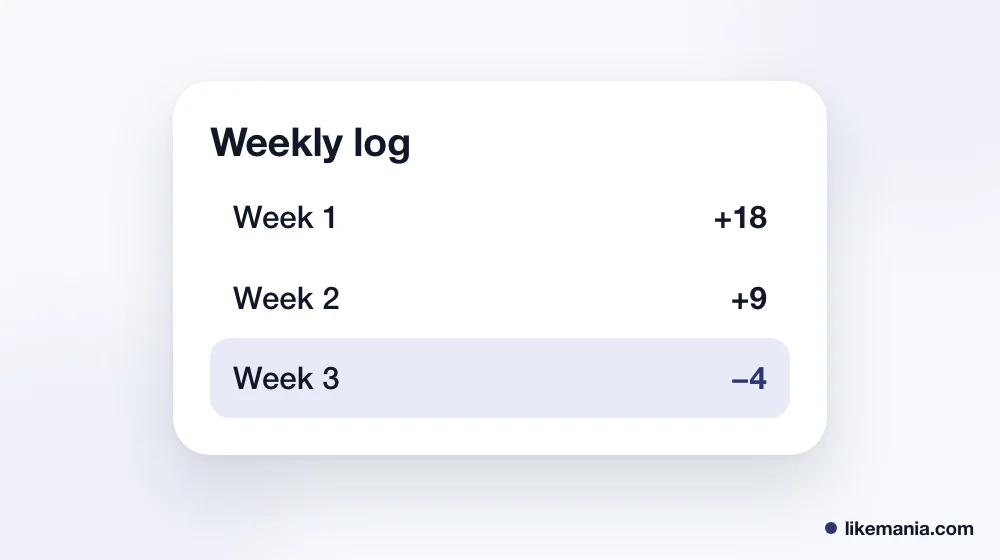
The followers list is ordered with recent followers at the top, which makes new follows easy to spot. Unfollows are harder: an account simply disappears from the list, and X sends no alert.
Method 1: a weekly log of your follower count
The cheapest twitter followers graph is a two-column spreadsheet: date and follower count. Write the number down on the same day each week. After a couple of months you will see the trend, spikes after a viral post and slow periods when you posted less.
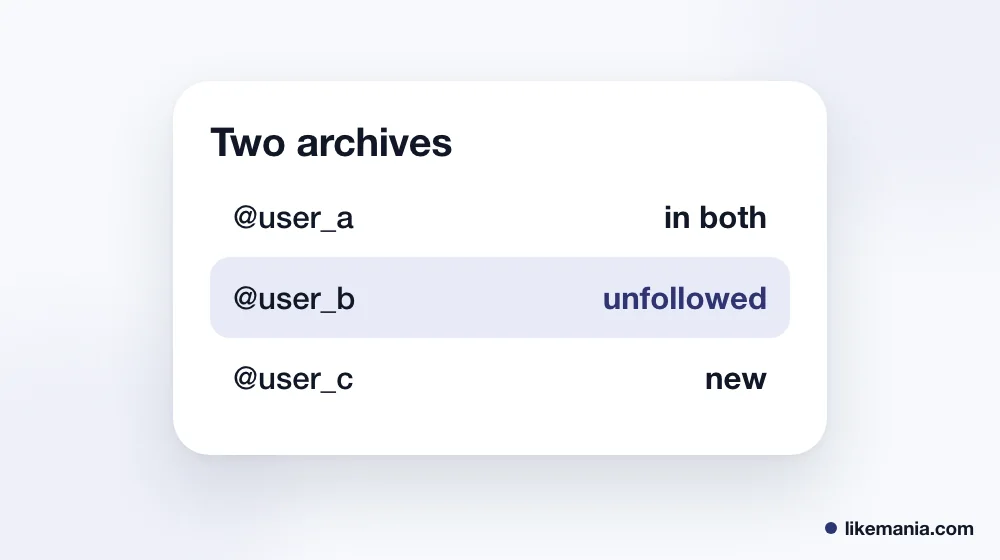
Add a third column with notes such as "thread went viral", "posted daily" or "paused for a week". That turns a plain count into a simple twitter followers analysis: you can see which actions moved the number.
Method 2: compare two data archives
X lets you request an archive of your account data from Settings and privacy → Your account → Download an archive of your data. The archive includes the list of accounts that follow you and the accounts you follow. Preparing it can take a while, often a day or more, and X sends a notification when it is ready.
To track followers with it:
- Request an archive today and save it.
- A month later, request a second archive.
- Open the follower files from both archives and paste the account IDs into two spreadsheet columns.
- Use a lookup formula: IDs present in the first list but missing from the second are accounts that unfollowed, or that were deleted or suspended in between.
- IDs present only in the second list are new followers.
This is slower than an app but gives an exact answer without sharing your login with anyone. Keep the archive private: it contains your messages and other personal data.
Method 3: third-party follower trackers
Many apps promise to track X followers automatically. Before you connect one, check:
- Does it ask for your password? Never type your X password into another site. A legitimate app sends you to X's own authorization screen.
- What permissions does it request? A tracker needs to read your follower list, not to post or send messages for you. If the authorization screen asks for write or messaging access, cancel.
- Does it still work? Access to X's data for third-party developers became paid and limited in 2023, and several free trackers stopped working or switched to paid plans.
- Can you revoke it? Connected apps are listed in your X settings under security and account access. Remove any you no longer use.
Why followers drop
Not every lost follower is an unfollow. Counts also fall when:
- X removes spam or fake accounts during its regular checks;
- an account that followed you is deactivated or suspended;
- people prune their "following" lists to keep feeds manageable.
Small, steady drops are normal for any active account. A sudden fall usually lines up with an X cleanup of spam accounts rather than with something you posted.
How this works at Likemania
If you are starting from zero, a tracker mostly shows a flat line. Likemania's catalog has X services such as followers, likes, retweets and views, ordered with the public profile or post link and never a password; the price is visible before you pay. Bought followers raise the count but do not engage, so pair them with a posting plan. The full list is on the services page, and we have been running since 2012.
FAQ
Does X tell you who unfollowed you?
No. There is no unfollow notification. Compare two follower lists or check whether "Follows you" still shows on a profile.
Is there an official X follower tracker?
Not as a separate tool. The follower count, followers list and your data archive are the official sources.
Are follower tracker apps safe?
Only if they use X's own authorization and ask for read-only access. Never give an app your password.
How often should I check followers?
Weekly for the count, monthly for a full archive comparison. Daily checking mostly shows noise.
Conclusion
The safest twitter follower tracker is one you run yourself: a weekly count log for the trend and two data archives for the exact list of who left and who arrived. If you use an app, connect it only through X's authorization screen with read-only access, and remove it when you stop using it.