
How to Track Instagram Followers and Unfollowers Safely
To track Instagram followers safely, use the built-in Insights for gains and losses, export your followers list from the account settings, and keep a short weekly log. Instagram has no official list of who unfollowed you, so any tool that promises one either compares two snapshots or asks for your…
To track Instagram followers safely, use the built-in Insights for gains and losses, export your followers list from the account settings, and keep a short weekly log. Instagram has no official list of who unfollowed you, so any tool that promises one either compares two snapshots or asks for your password, which is the part to avoid.
People type "follower tracker instagram" because the count on their profile moved and they want to know why. The honest answer comes from three sources: the totals Instagram reports, the list you can export, and your own record. This guide shows how to use them, what a tracker can and cannot know, and a simple template you can copy.
What can you actually know about your followers?
Instagram shows some things clearly and hides others on purpose.
| You can see | You cannot see |
|---|---|
| Your current follower count | Who viewed your profile |
| Gains and losses over a period (professional accounts) | A built-in list of who unfollowed |
| Your followers list, with search | Exactly when each person unfollowed |
| Where followers live, age ranges, most active times | The names behind a one-day drop |
| A downloadable copy of followers and following | Other people's private lists |
That table explains why the many trackers on the market do similar things: they read what is public, or they store snapshots of your list and compare them. Neither is magic.
Method 1: use Insights for totals and trends
If your account is professional (creator or business), the app has an Insights section. Open your profile, find the professional dashboard and look at the followers view. It shows growth over a chosen period, with follows and unfollows plotted, plus the top locations, the age range of your audience and the times your followers are online. Labels may differ by version, so look for the closest wording.
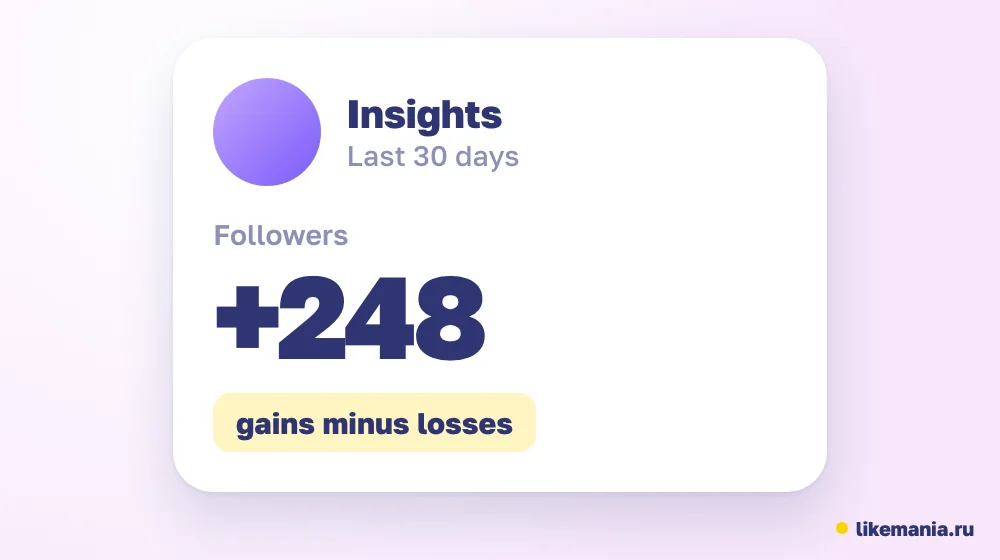
What this gives you is a trend, not a list of names. You can see that a spike came on Tuesday after a Reel, or that a dip followed a spammy post. That is often the useful part. A tracker that shows only a count adds little beyond this.
Method 2: export your followers and compare
Instagram lets you download a copy of your information from the Accounts Center settings. Pick the followers and following data, choose a format and request the file. When it is ready you get a list of accounts with the date they were added.
To find unfollowers by hand:
- Export the list today and save it with the date.
- Export again next week.
- Compare the two. Names in the first and missing in the second are the people who left.
A spreadsheet's duplicate-finding or lookup function does the comparison in a minute. The method is slower than an app, but the data never leaves your own computer, and no one else sees your login.
Method 3: keep a weekly log
A log costs nothing and beats memory. Here is a template with sample numbers.
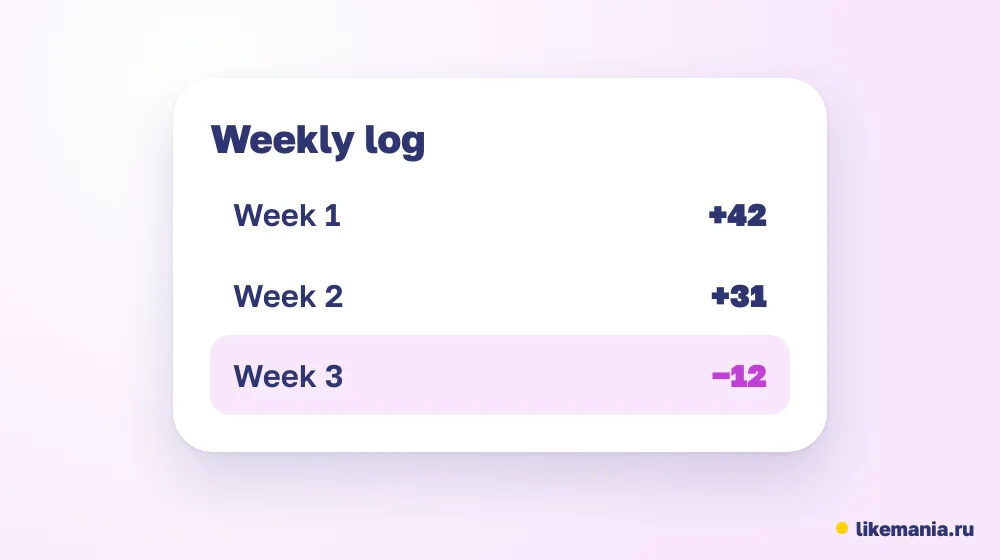
| Date | Followers | Gained | Lost | Net | Note |
|---|---|---|---|---|---|
| Mon 5 Oct | 1,200 | n/a | n/a | n/a | Start |
| Mon 12 Oct | 1,260 | 85 | 25 | +60 | Reel went out Thursday |
| Mon 19 Oct | 1,285 | 50 | 25 | +25 | No Reel this week |
To compute the weekly growth rate, divide the net change by the starting count: 60 divided by 1,200 is 5 percent. The next week, 25 divided by 1,260 is about 2 percent. Fill in a note column with what you posted, so that after a month you can see which posts moved the number.
What about apps and websites that track followers?
Apps in this category fall into three types.
- Analytics tools that connect through Instagram's official permission screen and read your account's reporting data. They can chart growth. The connection is something you approve and can revoke in settings.
- Snapshot trackers that save your followers list each day and compare. Their list of "unfollowers" is only as good as the snapshot.
- Login-based tools that ask for your username and password. Avoid these. Instagram's help page about third-party apps warns that giving login details to an outside app can give it full access to your account.
A fair test: if a tool needs your password, it fails. If it uses an official connection, read what permissions it asks for, and remove it once you stop using it.
Trackers for other networks
The same approach works for the other big networks.
- TikTok. A tiktok follower tracker usually reads the public count over time. Inside the app, the analytics section for creators shows follower growth, gender and location breakdowns and the most active times.
- X (Twitter). X does not list unfollowers either; our separate guide to tracking X followers shows the archive method.
- Cross-network. A social media followers tracker that covers several accounts is helpful for agencies. Make sure it uses official connections, not logins.
For a single account, your log and each platform's own analytics are enough.
A worked example: reading one bad week
Suppose your log shows 1,500 followers on Monday and 1,462 the next Monday: a net loss of 38. Check Insights for that week. If it reports 20 new followers and 58 who left, the loss is real churn of about 4 percent of the audience. Now look at your note column. If you posted nothing for five days and then three promotional posts in a row, the cause is clear. If the log shows a normal week with a dip on a single day, a platform cleanup is the likelier cause. The numbers do not tell you what to do, but they tell you where to look.
How often should you check, by account size?
- Under 1,000 followers: once a week is plenty, because a few people moving shifts the percentage a lot.
- 1,000 to 50,000: weekly, with a monthly summary of the net change.
- Larger accounts and agencies: weekly in a dashboard, and an export once a month for records.
Daily checks mostly record noise and tempt you into reacting to normal variation.
Why did my follower count drop?
Common reasons, in rough order of likelihood:
- People unfollowed after a post they did not like or after a long silence.
- Accounts were deleted, deactivated or removed by the platform for breaking rules.
- You removed followers yourself.
- A cleanup took out spam accounts, which sometimes shows up as a sudden dip.
- A glitch delayed the count and corrected itself.
A drop of a few percent after a platform cleanup is normal. A steady slide over weeks points to content or posting rhythm, not to the tracker.
Checklist: track followers without risk
- [ ] Decide which numbers you need: totals, names, or both.
- [ ] Switch to a professional account to use Insights.
- [ ] Export your list on a fixed day each week.
- [ ] Keep the log and add a note for each post.
- [ ] Never type your password into a tracker.
- [ ] Revoke access for any tool you no longer use.
How it works at Likemania
Some accounts start from a low base and want a visible starting point. Likemania has been around since 2012, and its Instagram catalog lists followers in a standard tier and a real tier. To order you share an open profile link, nothing about your login. The calculator shows the total ahead of payment, while the refill rules are written on each service card. Compare the tiers on the real Instagram followers page, or open the whole services list.
A number you add shows up in your tracker like any other follower, and it is no substitute for posts people want to follow.
FAQ
Can I see who unfollowed me on Instagram?
Not through an official list. You can compare exports or snapshots, and Insights shows how many left.
Is it safe to use a follower tracker?
It is safe if the tool uses an official connection and never asks for your password.
How often should I check?
Weekly is enough for most accounts. Daily checks mostly show noise.
Do trackers work for TikTok and X?
They can show public counts over time. The platforms do not provide lists of unfollowers.
Conclusion
Instagram gives you totals and an export, not an unfollower list, so the safe way to track is Insights, a weekly export and your own log. Avoid anything that asks for a password. Watch the trend, note what you posted and let the content explain the numbers.
*Prepared with AI assistance and fact-checked by the Likemania editorial team. Last reviewed: 2026-10-15.*