
How to Check Views on Any YouTube Video
Search the video by its title, open it and look under the player: YouTube shows a rounded view count there (for example 1.2M views). Tap or click the description to see the exact number of views and the upload date. Creators get the same total, plus breakdowns, in YouTube Studio Analytics. Since 24…

Search the video by its title, open it and look under the player: YouTube shows a rounded view count there (for example 1.2M views). Tap or click the description to see the exact number of views and the upload date. Creators get the same total, plus breakdowns, in YouTube Studio Analytics. Since 24 August 2026 YouTube counts a view when playback starts, for every format.
Checking youtube views by video title takes a few seconds once you know where the exact number hides. Below: the steps on phone and desktop, why a count can freeze or even go down, and what creators see that viewers do not.
Where the view count is shown
| Where | What you see | Exact? |
|---|---|---|
| Search results and recommendations | Rounded count, e.g. "2.3M views" | No |
| Under the video player | Rounded count and upload age | No |
| Expanded description | Full count, e.g. "2,314,778 views", and date | Yes |
| Channel's Videos tab | Rounded count per video | No |
| YouTube Studio (owner only) | Total plus views by date, source and country | Yes |
Check the exact count on a computer
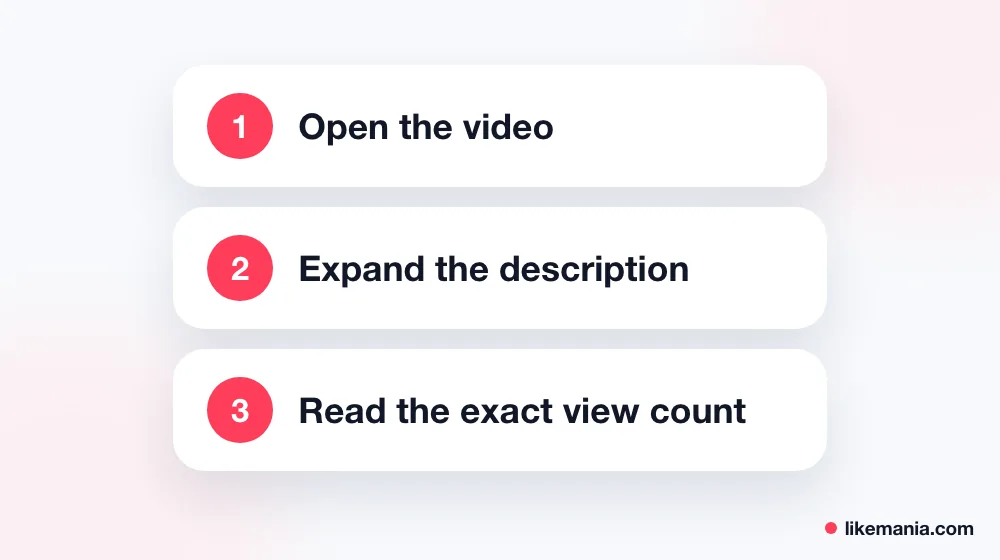
- Type the video title in YouTube search and open the right result. If several videos share a title, check the channel name and upload date.
- Under the player, click the description box (where it says "...more").
- The expanded box starts with the exact number of views and the full upload date.
Check the exact count on a phone
- Search the title in the YouTube app and open the video.
- Tap the title or the description area under the player.
- The description panel opens with the view count, likes and upload date at the top.
For Shorts, open the Short, tap the three dots and choose Description: the panel shows views and the posting date.
In a web browser on the phone, the layout is the same as the app: tap the description area to see the full numbers. If you want to share the exact figure with someone, take a screenshot of the expanded panel, which also shows the date, so the number is clearly time-stamped.
Why a view count looks frozen or drops
YouTube says plainly that counts can lag. Metrics for new videos may take a few hours to appear, a count may seem frozen, and YouTube may slow down, freeze or change a count and discard low-quality playbacks, such as the same person playing a video on several devices or tabs at once.
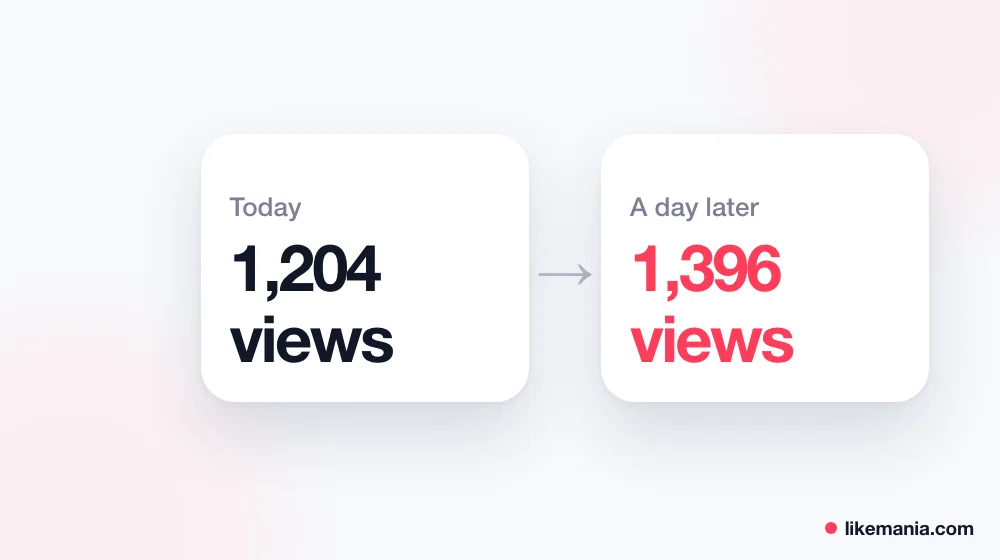
So if a video sits at the same number for an hour and then jumps, or loses a few hundred views overnight, nothing is broken: YouTube is verifying playbacks. Large, fast-growing videos are checked most closely.
How YouTube counts a view in 2026
From 24 August 2026, a view is counted as soon as playback begins, for long videos, Shorts and live streams alike. Earnings in the Partner Program are still based on engaged views and engaged watch hours, and eligibility on qualified views, so the public view count and the numbers that pay are not the same thing.
What creators see in Analytics
Channel owners get far more than the public number in YouTube Studio:
- views by day, so you see when a video took off;
- traffic sources: search, suggested videos, external links, Shorts feed;
- audience retention, which shows where viewers leave;
- realtime activity for the last 48 hours.
Realtime figures are estimates and may not match the public count on the watch page. For reporting to sponsors, use the totals from the Analytics overview rather than screenshots of realtime.
Tips for comparing videos fairly
- Compare like with like. A Short and a 20-minute video collect views differently.
- Look at age. A video posted yesterday cannot be compared with one that has been online for a year; check views per day instead.
- Use the exact count from the description when differences are small.
- Do not trust third-party "view checkers" that ask you to sign in: the public count is free to see on YouTube itself.
How this works at Likemania
When a new upload sits at a handful of views, many visitors scroll past it. Likemania can give such a video a start with YouTube views and Shorts views; you provide the public link only, never a password, and see the price before paying. Bought views raise the public counter but do not count as engaged watch time for monetization. The rest of the catalog is on our services page, live since 2012.
FAQ
How do I see the exact number of views on a YouTube video?
Open the video and expand the description; the full count is at the top of the panel.
Why did my video lose views?
YouTube removes playbacks it considers low quality, so counts can be adjusted downward.
How long does it take for views to update?
New videos can take a few hours; busy videos may look frozen for a while before updating.
Do Shorts views count the same way?
Since 24 August 2026, yes: a view counts when playback starts, as for other formats.
Conclusion
To check youtube views by video title, search the title, open the video and expand the description for the exact count. Expect rounding elsewhere and occasional freezes or drops while YouTube verifies playbacks, and use Studio Analytics if you need detail on your own videos.